Unofficial fan guide. Images are generated, and unverified game features are never presented as confirmed.
Leonida might be the most photogenic world Rockstar has ever created: sunsets over Ocean Beach, neon lights in South Beach, mist in the Grassrivers swamps. But a great image doesn't happen by accident. Here's how to go from a random screenshot to a photo you're proud of, with or without an advanced photo mode.
Editor's note: Several press previews and creators who played before release have mentioned a photo mode similar to the one in Red Dead Redemption 2. Rockstar hasn't officially detailed all its options yet. So this guide focuses on what works either way: lighting, composition, and timing. We'll add the specific settings as soon as we've tested them.
How to Take a Screenshot in GTA 6
Photo mode access (pause menu or shortcut), free camera, and available settings.
In the meantime, two options are sure to work:
- PS5: Press the Create button to take a screenshot, find it in the Media Gallery, then send it to your phone through the PlayStation App.
- Xbox Series: Press the Share button, then find the image in your captures or through the Xbox app.
If the game's display options allow it, hide the interface (map, prompts) before shooting: a screenshot without the HUD always looks better.
12 Tips for a Great Shot
1. Chase Golden Hour
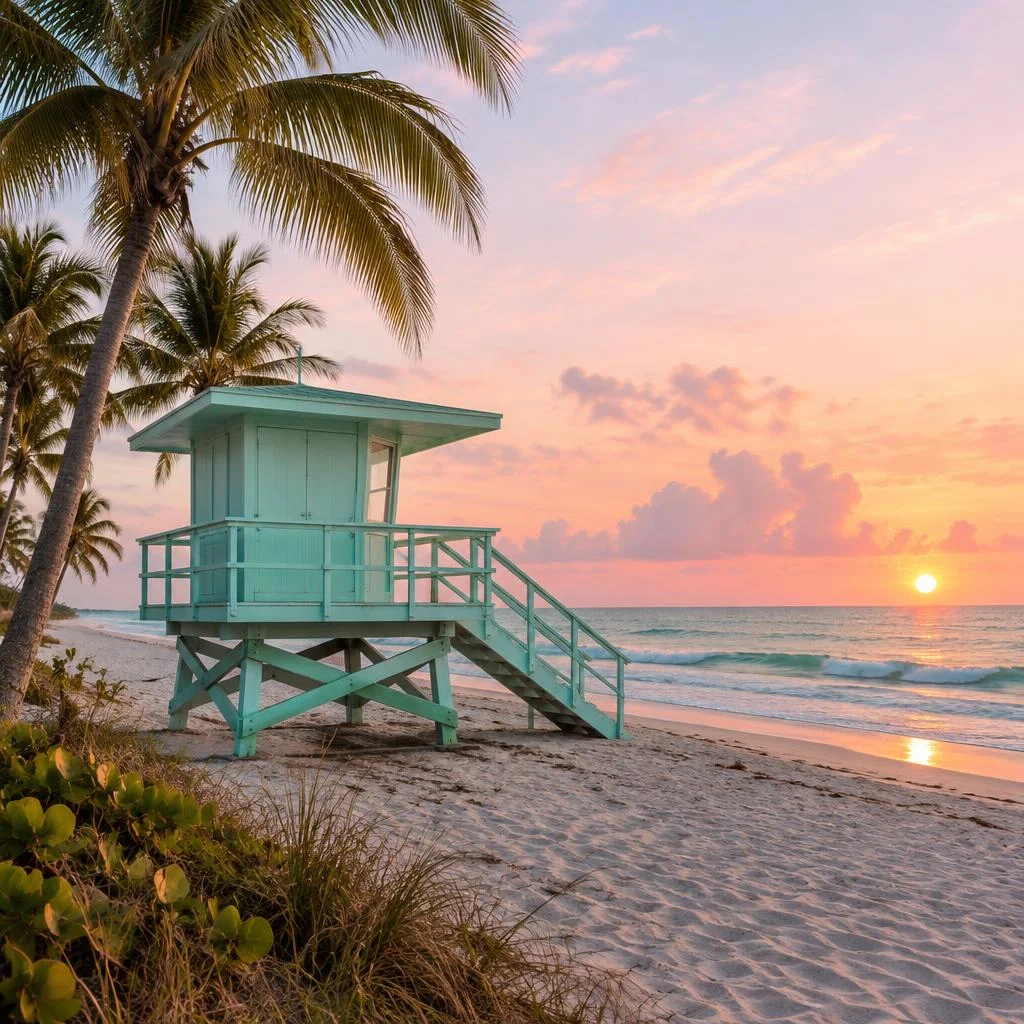
This is rule number one. Just after sunrise and just before sunset, the light is warm and low, adding depth to everything. Ocean Beach's Art Deco facades glow pink and orange, and shadows stretch across the streets. At noon, the harsh light flattens everything.
2. Make the Most of Blue Hour and Nighttime
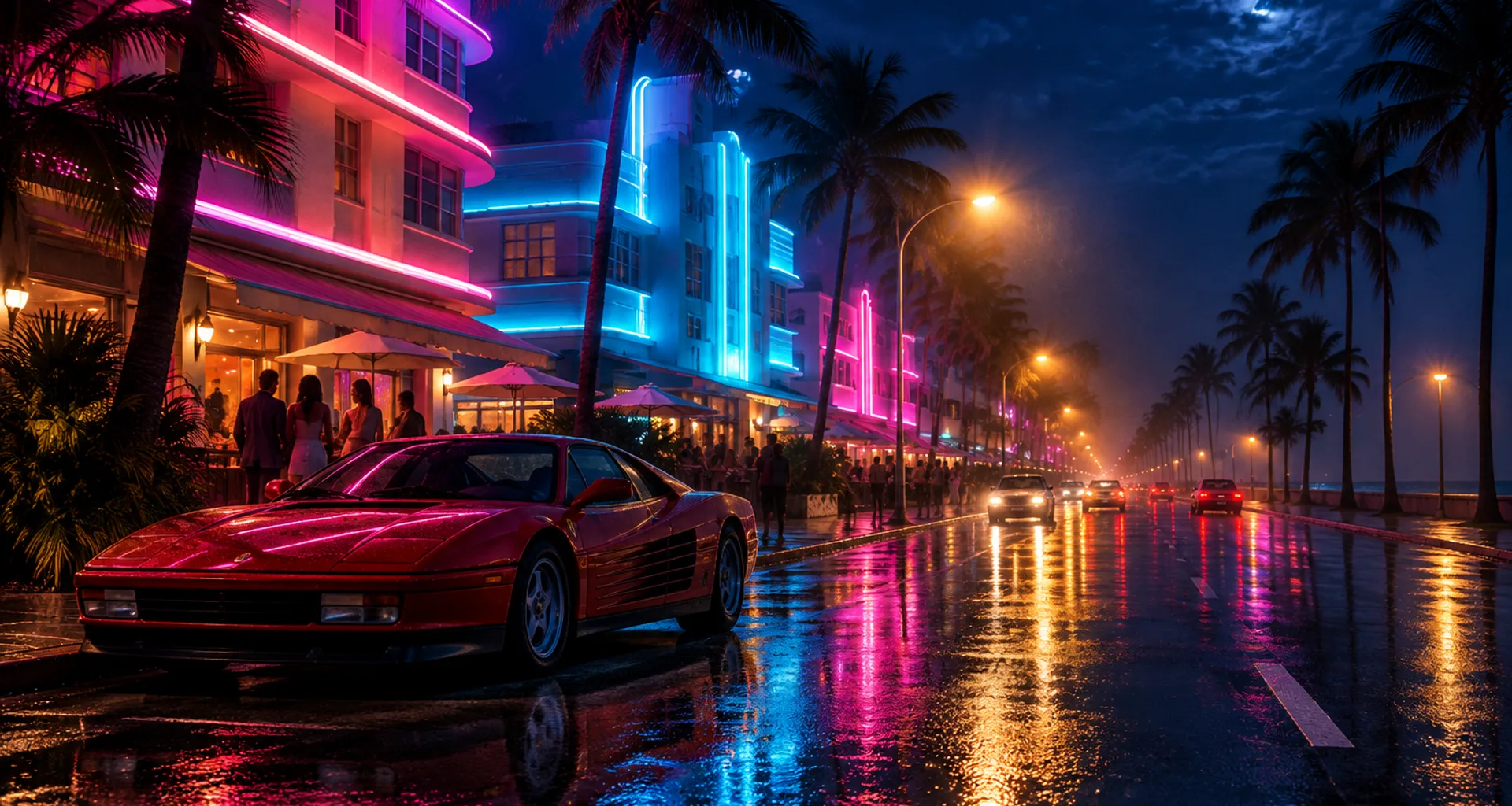
Just after sunset, the sky turns a deep blue as the neon lights come on. It's the perfect time to shoot South Beach and Downtown: the contrast between the sky and the signs is spectacular.
3. Use the Weather
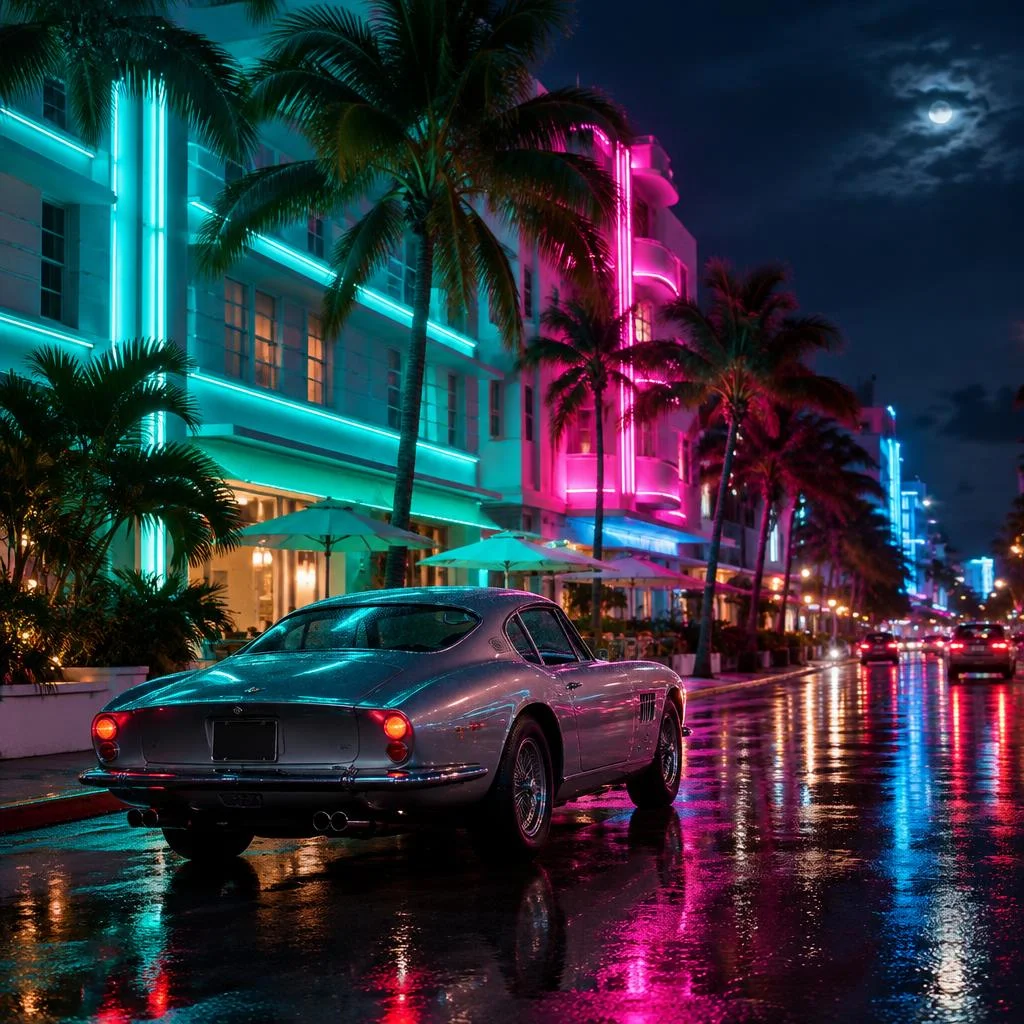
Rain is your friend: wet streets reflect neon lights and headlights. A storm over the Leonida Keys or early morning mist in Grassrivers creates a mood no blue sky can match.
4. Use the Rule of Thirds
Imagine your image divided into nine squares by two horizontal and two vertical lines. Place your subject—a car, a character, the sun—at one of the intersections rather than in the center. Put the horizon along the top or bottom line, rarely in the middle.
5. Look for Leading Lines
A road, a pier, a row of palm trees, parking lot lines: anything that draws the eye toward your subject makes the image stronger. The bridges connecting the Leonida Keys are perfect for this.
6. Change Your Height
Most screenshots are taken at shoulder height. Drop the camera close to the ground to make a car look more powerful, or head up to a rooftop to take in the skyline. An unusual angle is often all it takes to make a photo stand out.
7. Frame Your Subject
Use your surroundings as a natural frame: an archway, a car window, or palm leaves in the foreground. It adds depth and draws the eye.
8. Play with Depth of Field
If photo mode lets you adjust focus, isolate your subject by blurring the background. A sharp character against a blurred, neon-lit city creates a portrait effect that's hard to beat.
9. Tell a Story
The best photos capture a moment: a car speeding off, a passerby checking their phone, a slice of life on the beach. Watch the people of Leonida—they often do surprising things.
10. Keep It Simple
A cluttered image loses its impact. Ask yourself what you want to show, and leave anything distracting out of the frame.
11. Go Easy on Filters
If the game offers filters, use them sparingly. A heavy filter can make an image look dated. A natural shot taken at the right moment is usually better.
12. Take a Series of Shots
Take several screenshots of the same moment, changing the angle and composition slightly each time. You can pick the best one later. Professional photographers do the exact same thing.
Post on Sixième Vue
Got your screenshot ready? Upload it to the gallery with a title, a few tags (location, time of day, vehicle), and your platform. The best shots may be featured on the homepage and entered in contests.
FAQ
Does GTA 6 have a photo mode?
Several creators who played before release say it does, with a mode similar to the one in Red Dead Redemption 2. We'll detail its settings as soon as we've tested them.
How do I take a screenshot on PS5?
Press the Create button on your controller. The image is saved in the Media Gallery and can be sent to your phone through the PlayStation App.
What's the best time to photograph Vice City?
Golden hour (sunrise and sunset) for beaches and architecture, and blue hour or nighttime for neon lights.
Can you post screenshots on Snapmatic?
No, Jason and Lucia don't post on the in-game social network. That's what the Sixième Vue gallery is for.
Do I need to edit my screenshots?
No. Minor brightness adjustments are allowed on Sixième Vue, but the screenshot should stay true to the game.